
QR code installation
After purchase, open your success popup or eSIM detail page and scan the QR code with your phone camera or cellular settings.
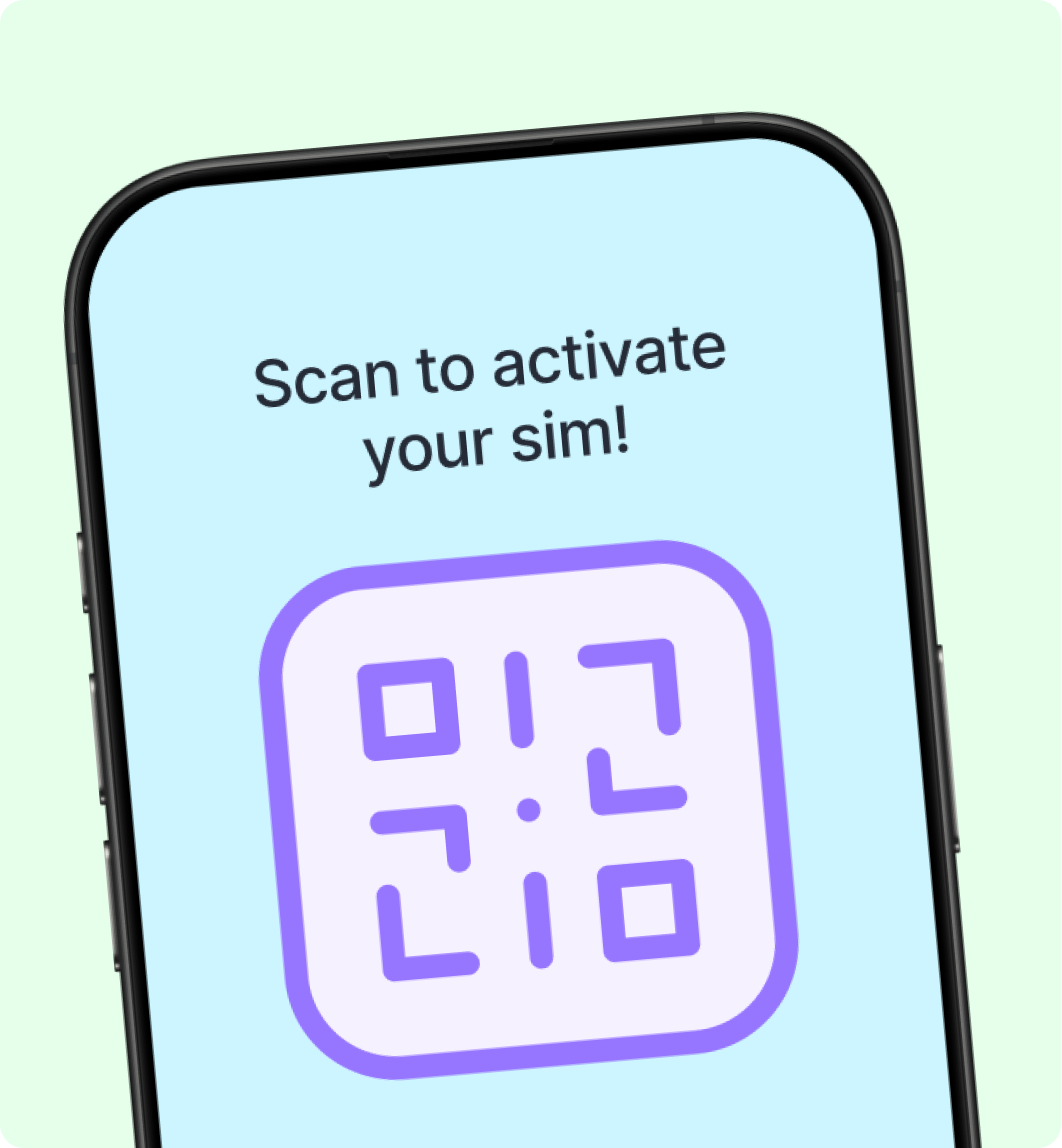
Each QR code can typically be scanned once. If you need to install on another device, use the manual activation code or contact support.