
Order confirmation
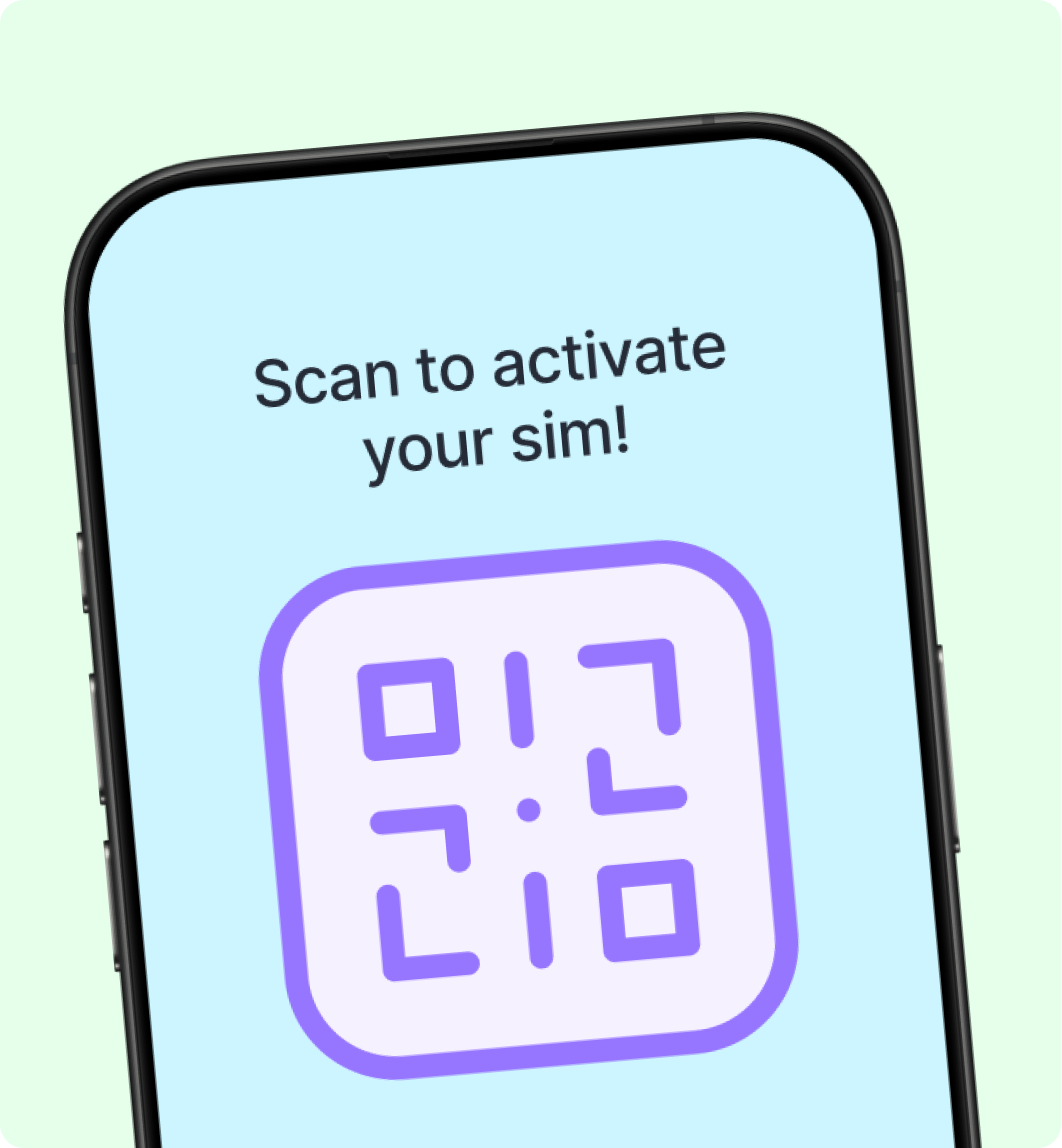
When payment is confirmed, Simfree provisions your eSIM and shows activation details on the success screen.
- Your order status becomes Paid.
- Simfree provisions your eSIM with our provider (usually within minutes).
- You receive an activation QR code and LPA string on the success screen.
- The eSIM appears under Dashboard → My eSIMs.
Each QR code can typically be scanned once. Save a screenshot or copy the manual activation code before leaving this page.